Your Product Page Isn’t Just a Listing—It’s Your 24/7 Sales Rep
When shoppers land on your site from Google, they rarely start at your homepage.
Most arrive directly on a product page.
That means this single page is your first impression, your pitch, your trust-builder—and often, the deciding factor in whether someone buys or bounces.
If your product page is just a list of specs, copied descriptions, blurry photos, and messy URLs, even great traffic won’t convert.
In this guide, I’ll walk you through how to turn underperforming product pages into high-converting, SEO-friendly assets—step by step. No tech degree needed. Just clear, actionable tweaks that actually move the needle.
Step 1: Nail Your Title Tag—Don’t Waste That Hard-Earned Ranking
Ranking #1 means nothing if no one clicks.
Too many stores write titles like:
“EcoWear Official Store | Blue T-Shirt | Men’s Apparel”
That buries the keyword, lacks clarity, and feels generic.
✅ Do this instead:
- Lead with your primary keyword: “Men’s Blue Cotton T-Shirt”
- Add real value: “Lightweight & Breathable for Everyday Wear”
- End with your brand for trust
- Keep it under 55 characters so it shows fully in search results
Example:
“Men’s Blue Cotton T-Shirt | Lightweight & Breathable | EcoWear”
This isn’t just SEO—it’s your chance to stand out in a crowded SERP.
Step 2: Write a Meta Description That Converts—Your Free Ad Space
Google says meta descriptions don’t affect rankings. But they absolutely impact click-through rates.
Treat this like your free ad copy in search results.
✅ Best practices:
- Keep it around 150 characters
- Highlight what makes you different: organic fabric, free shipping, easy returns
- Use action language: “Shop now,” “Get yours today,” “Feel the difference”
- Naturally include your target keyword
For example:
“Made from 100% GOTS-certified organic cotton, this soft, breathable tee is perfect for daily wear. Free shipping + 30-day returns. Order yours today!”
That’s far more compelling than “Blue men’s T-shirt – cotton – available now.”
Step 3: Rewrite Your Product Description—Speak Like a Human, Not a Robot
Stop copying supplier blurbs or Amazon listings.
Not only does Google penalize duplicate content—but real people don’t connect with robotic specs like “Fabric: 100% cotton. Weight: 180gsm.”
✅ What works instead:
- Start with real-life use cases: “Rush hour commute? This tee wicks sweat so you stay fresh all day.”
- Break up text with short headings and bullet points
- Weave in long-tail keywords naturally: “lightweight cotton T-shirt for summer”
- Add social proof: “Li Wei from Beijing says: ‘This is the most comfortable basic tee I’ve ever worn—I’ve bought three!’”
Your goal isn’t to describe the product—it’s to help customers imagine their life with it.
Step 4: Optimize Your Images—Speed + Context = Better SEO
Great visuals build trust—but slow-loading or poorly labeled images hurt performance.
✅ Quick wins:
- Rename files:
mens-blue-cotton-tshirt-front.jpg(notIMG_1234.jpg) - Write descriptive alt text: “Front view of men’s blue organic cotton T-shirt”
- Compress with TinyPNG or a Shopify app
- Use WebP format when possible (smaller file size, same quality)
Pro tip: Run your page through Google PageSpeed Insights. If images are slowing things down, you’re losing mobile shoppers—fast.
Step 5: Clean Up Your URL Structure
A messy URL like /p?id=89273&ref=cat4 confuses users and search engines alike.
✅ Shopify usually generates decent URLs by default, but always double-check:
- Keep it short and readable:
/products/mens-blue-cotton-tshirt - Use hyphens to separate words (never underscores or spaces)
- Avoid unnecessary parameters or folder depth
A clean URL is easier to share, remember, and rank.
Step 6: Enable Structured Data (Schema)—Unlock Rich Snippets
Ever notice how some products show star ratings, price, and stock status right in Google results?
That’s thanks to structured data (Schema markup).
Good news: Most modern Shopify themes (like Dawn) include basic Product Schema automatically.
✅ To verify:
- Open your product page → Right-click → “View Page Source”
- Search for
schema.org/Product - Or test it with Google’s Rich Results Test
When it works, your listing might display:
- ⭐ 4.8 (127 reviews)
- 💰 $14.99
- 📦 In stock
These rich results can boost CTR by 30% or more—free visibility you shouldn’t leave on the table.
Step 7: Take Action—Run a 1-Hour Optimization Sprint
Knowledge only becomes power when you apply it.
✅ Before you start, track your baseline:
- Where does your target keyword rank? (Use Google or tools like Ahrefs/5118)
- What’s your current CTR? (Google Search Console)
- Bounce rate & conversion rate? (Google Analytics / Shopify dashboard)
Then spend an hour optimizing one key product page using the steps above.
Check back in 2–3 weeks:
- Did organic traffic increase?
- Are more people clicking through from search?
- Is time on page going up? Conversions improving?
One fashion brand we worked with saw a 47% lift in organic traffic and 22% higher conversions on a single T-shirt page—just by making these focused changes.
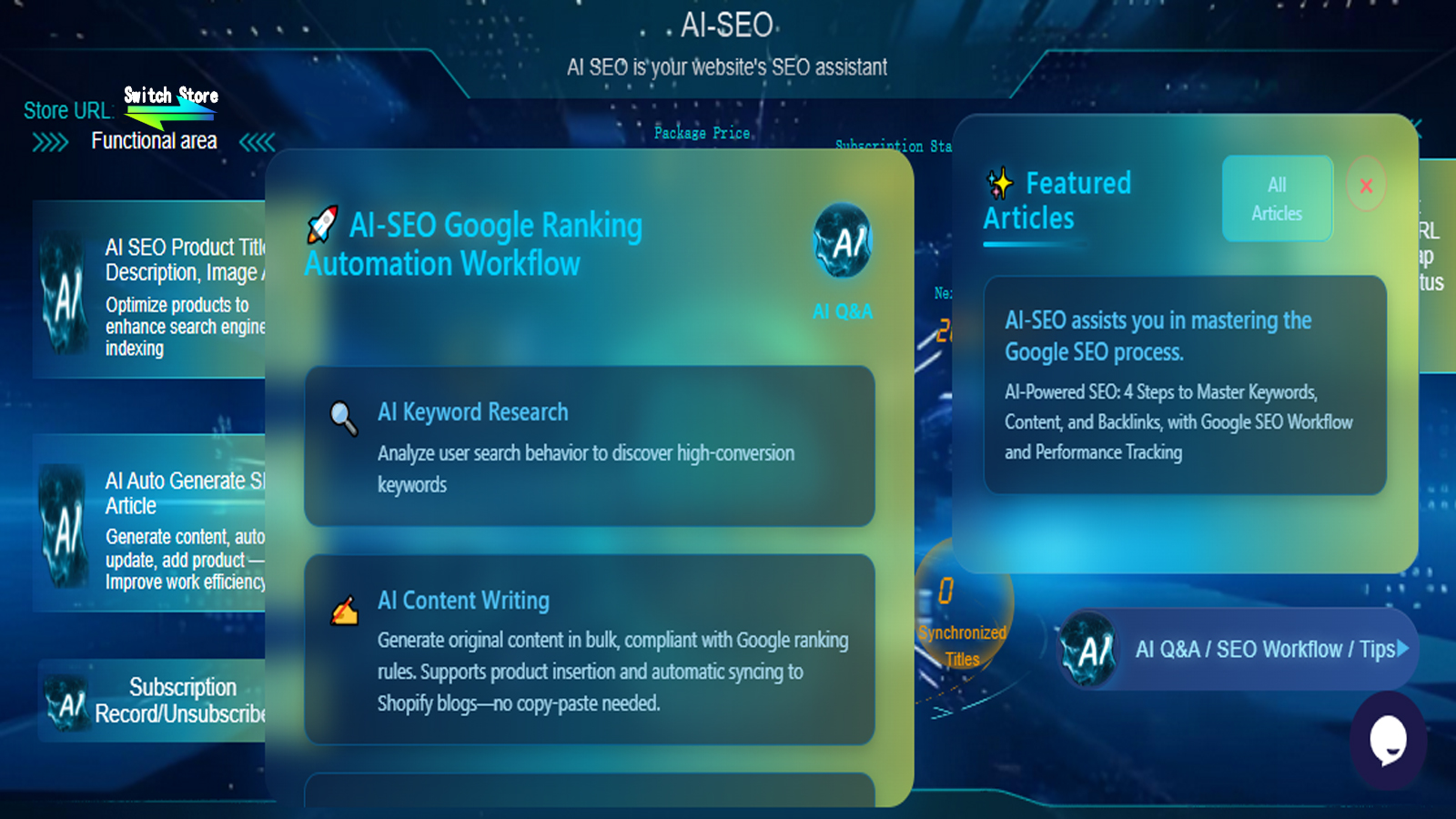
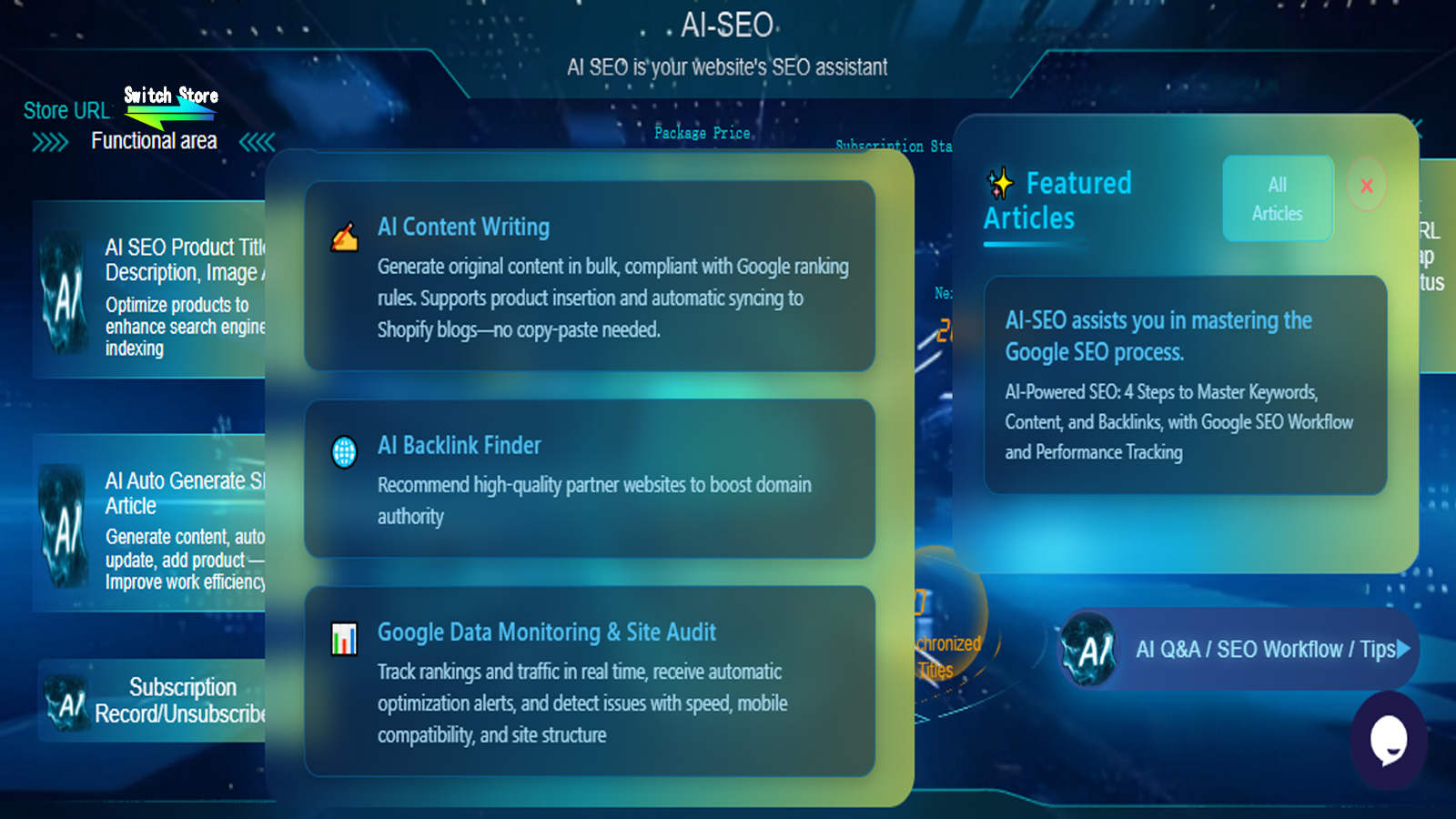
AI SEO: SEO Agent: Your all-in-one intelligent SEO assistant. No expertise needed, effortless ranking growth.
🔗 Continue Learning: Master Shopify SEO in 2025
← Part 1: Shopify SEO Tutorial (2025) – AI-SEO helps you master the Google SEO process
← Part 2: What Is SEO? Why Your Store Must Do Google SEO
← Part 3: From Invisible to Unstoppable—How to Do SEO on Shopify Without Losing Your Mind
← Part 4: Shopify SEO Keyword Research Guide (2025)
← Part 5: Shopify SEO Tutorial (2025) –Part 5: The 7-Step Product Page Optimization Framework to Boost Rankings Conversions← You're here
→ Next:Shopify SEO Tactics (2025) | Part 6: Turn Your Blog Into a Free Traffic Machine (Coming Next Week)
📌 Subscribe to the Shopify SEO 2025 Series
New guides every Monday to help you build a profitable, scalable, self-sustaining Shopify store.
Final Thought: Your Product Page Is a Silent Sales Machine
Don’t treat it like a digital shelf label.
It’s a powerful blend of technical SEO, persuasive storytelling, and user experience—all working together to earn trust and drive sales.
Every small improvement—better title, faster image, clearer description—compounds over time into more visibility, more engagement, and more revenue.
Now, open your lowest-performing product page. It might just be your next breakout hit.